WhatsApp Customer Support Automation — Reduce Tickets by 60% in 2026
Repeat queries kill your support team's productivity. WhatsApp automation with smart routing and an AI FAQ bot handles 60–70% of tickets automatically — at zero additional cost per ticket.
For most Indian SMBs, WhatsApp is already the de facto customer support channel. The problem is that it is manual: every message needs a human to read it, decide what it is about, and respond. When you have 50 messages a day, that is manageable. When you have 500, it becomes a full-time job — and still, customers wait hours for a response. WhatsApp automation changes this equation completely.
What Is the Four-Layer WhatsApp Customer Support Architecture?
Layer 1 — Instant Auto-Reply
Every inbound WhatsApp message triggers an instant auto-reply acknowledging receipt and setting expectations: 'Hi! Thank you for contacting [Business]. We've received your message and will respond within 2 hours. For immediate help, reply with: 1 for Order Status, 2 for Returns, 3 for Pricing, 4 to speak with an agent.' This single step reduces impatience-driven repeat messages by 40%.
Layer 2 — Keyword Automation Flows
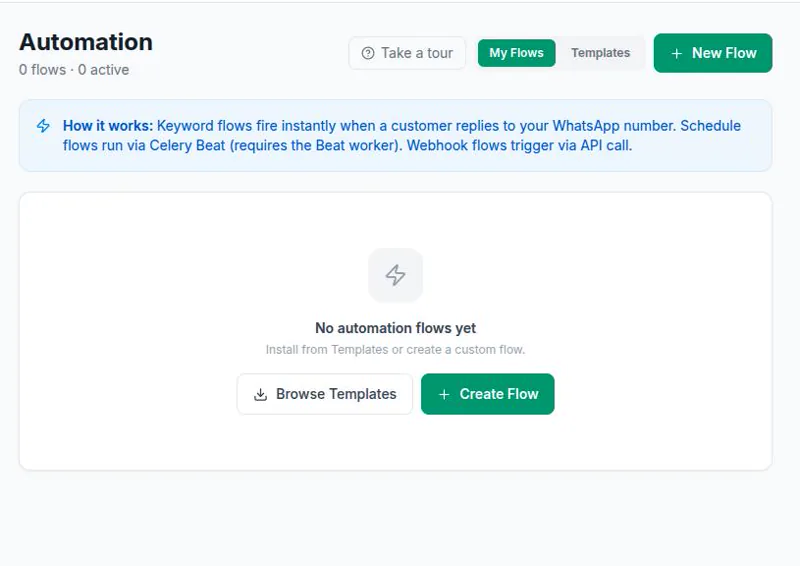
Configure automation flows that trigger on keywords. When a customer sends 'track order' or 'where is my order', the flow sends them their order tracking link automatically. 'Return' or 'refund' triggers the return process steps. 'Price' or 'cost' sends your pricing PDF. These flows run in real-time, 24/7, with no human involvement.
Layer 3 — AI FAQ Chatbot
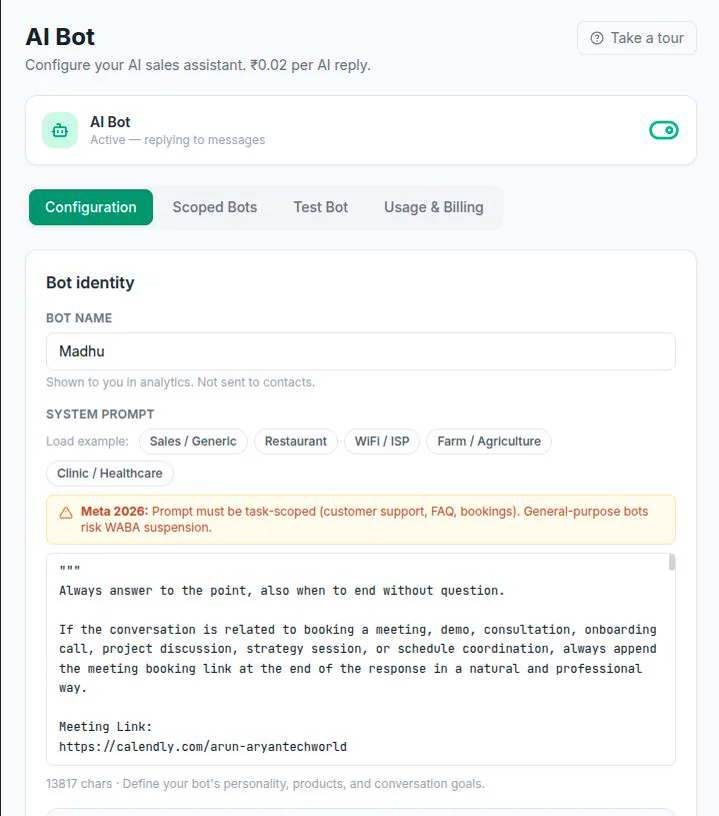
For natural language queries that do not match a keyword, your AI bot handles them. Configured with your product catalogue, policies, and FAQ, the bot answers questions it recognises and says 'I'll connect you with our team' for questions it cannot. This handles the long tail of unique queries that keyword flows miss.
Layer 4 — Human Escalation
Complex complaints, refund disputes, and escalated issues reach a human agent in your wChatFlowAI smart inbox — with the full conversation history, customer details, and context already visible. Agents handle only the cases that genuinely require human judgment.
What Metrics Should I Track After Setting Up WhatsApp Customer Support?
| Metric | Before Automation (typical) | After Automation (typical) |
|---|---|---|
| First response time | 2–6 hours | < 30 seconds |
| % tickets handled without agent | 0% | 55–70% |
| Average handle time (agent) | 8–12 min | 4–5 min (context available) |
| Customer satisfaction (CSAT) | 60–70% | 80–90% |
| Agent tickets per day (per person) | 40–60 | 80–120 (automation filters repeats) |
wChatFlowAI includes keyword flows, AI bot, and smart inbox in one platform. Set up your four-layer support system in a single afternoon. Free trial at app.wchatflowai.com.
Ready to get started with wChatFlowAI?
14-day free trial · No credit card required · Connect in minutes