WhatsApp Business API in India: The 2026 Guide
A complete walkthrough of WhatsApp Business API for Indian businesses — from getting access to understanding the new per-message pricing that took effect July 2025.
WhatsApp has over 530 million active users in India (Meta, 2024) — more than any other country. For Indian businesses, it is no longer optional: it is where customers already are. The WhatsApp Business API lets you connect your systems, automate conversations, and send messages at scale — things the free WhatsApp Business App simply cannot do.
Key statistics: India is WhatsApp's largest market with 530M+ users (Source: Meta, 2024). Meta moved to per-message NBP pricing on July 1, 2025, and made service messages free from November 1, 2024 (Source: Meta WhatsApp Business Platform). Meta Business Verification for Indian companies typically takes 2–5 business days.
WhatsApp Business App vs API — Which Do You Need?
Most small businesses start with the free WhatsApp Business App, which works fine for solo operators. But once you need multiple agents on the same number, automation, bulk messaging, or integration with your CRM or Shopify store, you need the API.
| Feature | Business App (Free) | Business API |
|---|---|---|
| Multiple agents on one number | ✗ No | ✓ Yes |
| Bulk messaging | ✗ No | ✓ Yes |
| Chatbot / automation | ✗ No | ✓ Yes |
| CRM / Shopify integration | ✗ No | ✓ Yes |
| Broadcast to opted-in contacts | Limited (256) | Unlimited |
| Meta-approved message templates | ✗ No | ✓ Yes |
| Cost | Free | Subscription + Meta conversation fees |
How Do I Get WhatsApp Business API Access in India (2026)?
You cannot directly access the API from Meta — you need to go through a Business Solution Provider (BSP) like wChatFlowAI. Here is the step-by-step process:
- Create a Meta Business Manager account at business.facebook.com
- Complete Meta Business Verification (takes 2–5 business days in India)
- Add a phone number — this becomes your WABA (WhatsApp Business Account) number
- Sign up with a BSP like wChatFlowAI — they handle the technical integration
- Create and submit your first message template for Meta approval (usually 24–48 hours)
- Go live — your number is now connected to the API
What Documents Are Required for Meta Business Verification?
Meta requires you to verify your business before granting API access. For Indian companies, you will need:
- GST registration certificate (GSTIN)
- Business PAN card
- Certificate of Incorporation (for Pvt Ltd companies) or Partnership Deed / Sole Proprietorship declaration
- Business website with clear contact information
- Business email (not Gmail / Yahoo — must be on your domain)
- Your company's display name that matches your legal documents
Tip: The most common reason for Meta verification rejection in India is a mismatch between the display name on the WABA and the legal name on documents. Use your exact registered name or an approved trade name, not a marketing name.
What Is the WhatsApp API Pricing in India Under NBP (2026)?
Meta switched to per-message pricing (NBP — New Business Pricing) on July 1, 2025. Before that, you paid per 24-hour conversation window. Now each message in a business-initiated conversation is billed individually. Here are the current India rates (effective April 1, 2026):
| Message Category | Rate per Message (INR, excl. GST) | When to Use |
|---|---|---|
| Marketing | ₹0.8631 | Promotions, offers, abandoned carts, re-engagement |
| Utility | ₹0.115 | Order updates, payment receipts, appointment reminders |
| Authentication | ₹0.115 | OTP, 2FA, account verification |
| Service | Free allowance, then chargeable | Replies within 24h of customer-initiated message |
Service messages (when the customer messages you first and you reply within 24 hours) were completely free from November 1, 2024 to September 30, 2026. From October 1, 2026, Meta gives each business phone number a monthly free allowance for service messages, after which standard per-message rates apply — still a major cost advantage for support-heavy Indian SMBs that stay within the allowance.
What Can You Build With the WhatsApp Business API?
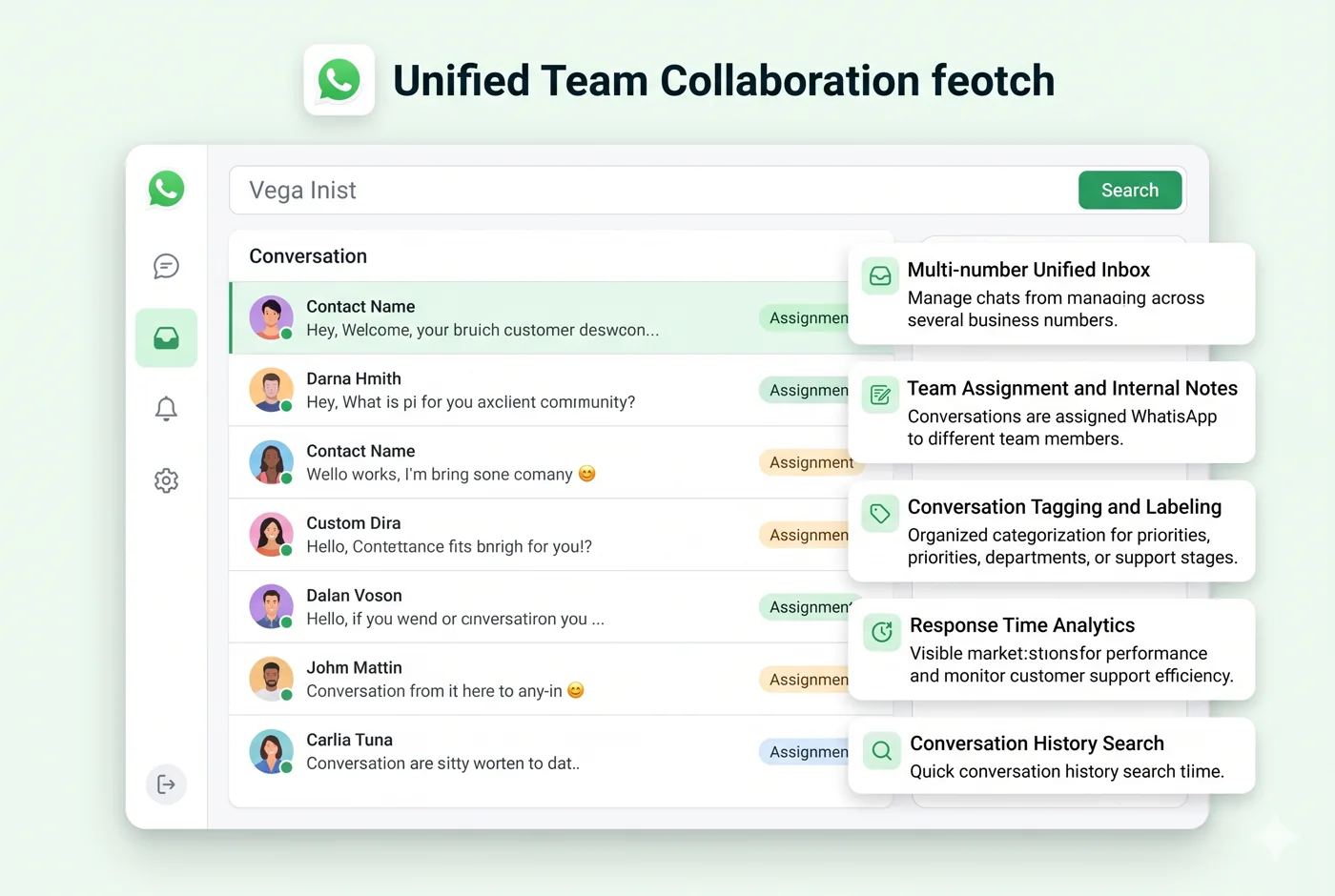
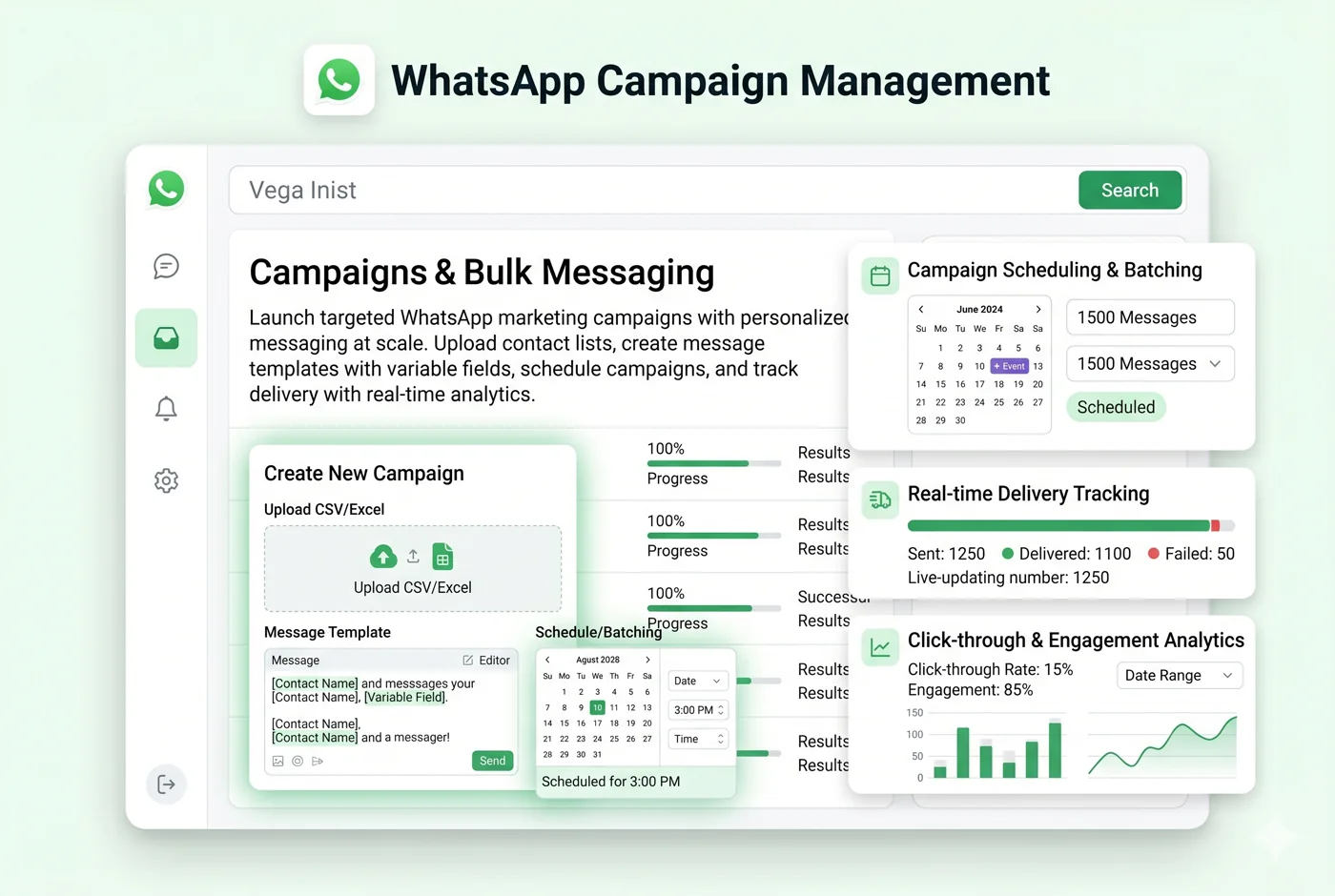
- Bulk marketing campaigns to opted-in customers (D2C, e-commerce, edtech)
- Automated order confirmations, shipping updates, and delivery notifications
- AI-powered customer support chatbots that handle FAQs 24/7
- Appointment reminders for healthcare, salons, and service businesses
- Payment collection and invoice sharing via WhatsApp
- Lead capture from Click-to-WhatsApp (CTWA) ads on Facebook and Instagram
- COD confirmation automation to reduce return-to-origin (RTO) losses
- OTP and authentication message delivery
How Do I Get Started with wChatFlowAI?
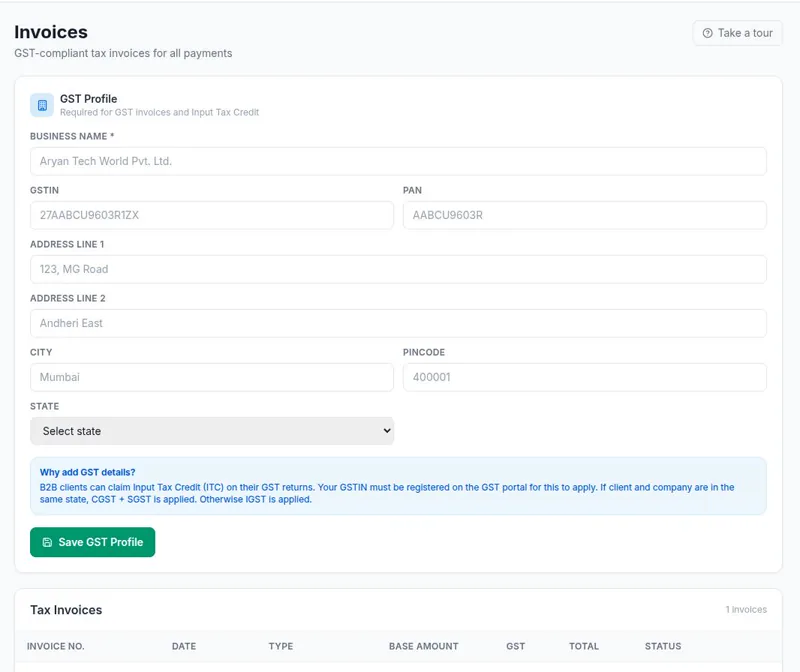
wChatFlowAI is a Made-in-India WhatsApp Business API platform built specifically for Indian businesses — with GST-compliant billing, Razorpay payments, and anti-ban protection built in. Plans start at ₹299/month with a 14-day free trial and no credit card required.
Start your 14-day free trial at app.wchatflowai.com — no credit card required. Connect your WhatsApp Business number in under 5 minutes.
How Do Message Templates Work on the WhatsApp Business API?
Outside a 24-hour customer service window, you can only start a conversation with an approved template message. You write the template, choose a category (marketing, utility or authentication) and submit it to Meta for review. Only approved templates can be sent, and the category decides the per-message charge. Our template messages guide covers writing and submitting them.
Which Type of WhatsApp API Provider Should You Choose?
| Option | Best for | What you handle | Cost shape |
|---|---|---|---|
| Direct to Meta (Cloud API) | Teams with developers who want full control | Building your own inbox, template tools, billing and monitoring | Meta's per-message charges plus engineering time |
| Software platform (like wChatFlowAI) | Businesses that want an inbox, bulk sending and chatbots without building them | Connecting your account and managing templates in a dashboard | Meta's per-message charges plus a monthly plan or wallet fee |
| Agency or reseller | Businesses that want someone else to run campaigns | Handing strategy and sending to the agency | Meta's charges plus the agency's service and platform fees |
To compare costs in detail, read what the API costs in India and the current WhatsApp Business API pricing. To see how platforms differ, compare wChatFlowAI with Interakt, Wati, AiSensy or Zoko. If you are ready to start, see how to get the WhatsApp Business API in India with wChatFlowAI.
Sources & References
- Meta — WhatsApp Business Platform documentation: developers.facebook.com/docs/whatsapp
- Meta — Get started with the Cloud API: developers.facebook.com/docs/whatsapp/cloud-api/get-started
- Meta — WhatsApp Business pricing (NBP): business.whatsapp.com/products/platform-pricing
- Meta — Business verification requirements: facebook.com/business/help
- wChatFlowAI pricing and plans: wchatflowai.com/pricing
Ready to get started with wChatFlowAI?
14-day free trial · No credit card required · Connect in minutes